Getting Around · Payment
IC cards, without the confusion.
Suica, PASMO, ICOCA, Kitaca — different regions, same idea, and today they all work everywhere. What you need is the right variant for how you travel: physical for casual, Mobile Suica for anyone with an iPhone, Welcome Suica for a short visit.
Watch first — six minutes, no jargon
Subscribe on YouTube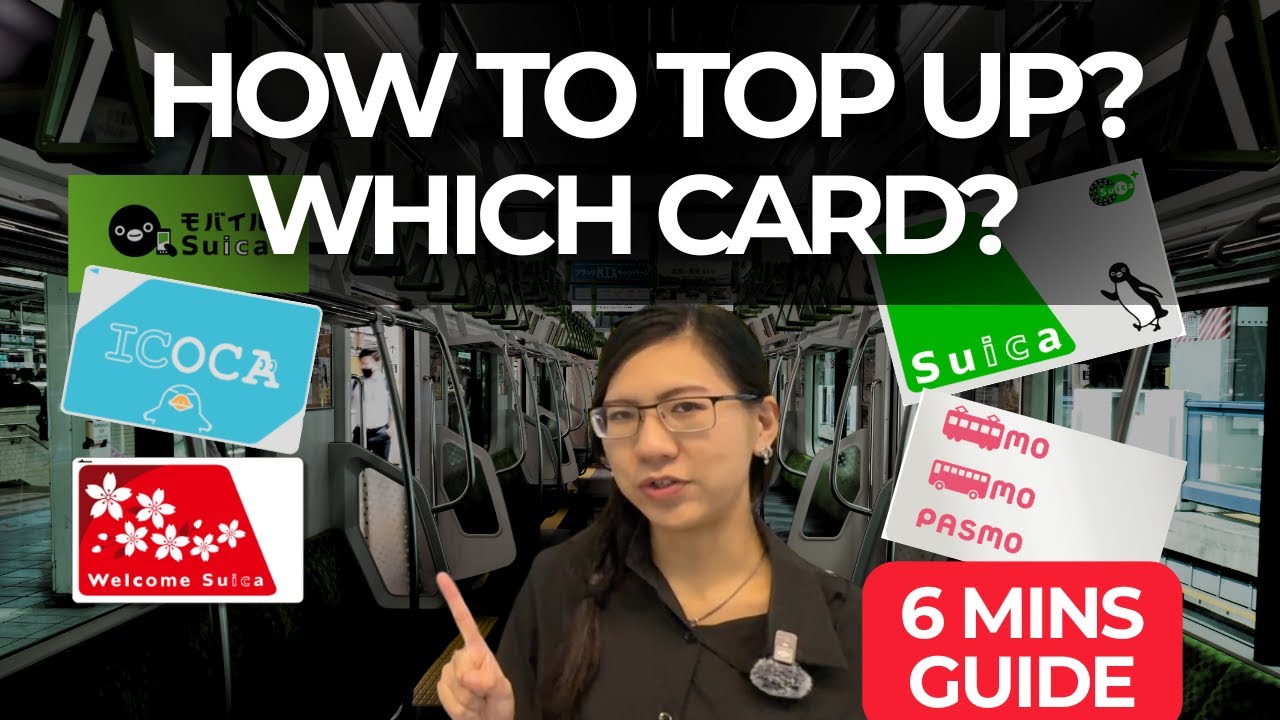 06:18
06:18Suica card or Mobile Suica? Japan's IC Cards EXPLAINED in 6 mins
Physical Suica, Mobile Suica on iPhone/Apple Watch, Welcome Suica for tourists — which one to get, and how to top up.
32.5K viewsJAPAN


Which card, for whom.
The short answer
- iPhone or Apple Watch user: install Mobile Suica from Apple Wallet before you land. No queue at the airport, top up from your Apple Pay card.
- Android user: Mobile Suica only works on Japan-region Android phones. Get a physical Suica at the airport counter.
- Short trip, no phone setup: pick up a Welcome Suica at HND or NRT — no ¥500 deposit, valid 28 days.
What you can pay with it
Trains and subways in all major cities; buses; convenience stores; most vending machines; more and more restaurants and cafes. In Tokyo and Osaka, a full day rarely needs the card to come out of your phone.
Topping up
- Mobile Suica tops up instantly from your Apple Pay / card. Set an "auto-recharge" trigger to save yourself thinking about it.
- Physical cards top up at any station machine (English screen). Cash only for foreign-issued Suica; Japan-issued can use credit.
- Convenience store cash registers can also top up — say "charge onegai shimasu" and hand over the card.
Where each region's card differs
- Suica (JR East, Tokyo area) — the default and most universal outside its home region.
- PASMO (Tokyo private railways) — identical function to Suica in practice.
- ICOCA (JR West, Osaka/Kyoto) — same story. Get one only if you want the local penguin mascot.
Since 2013, all mutually interoperable. Don't stress about "which region" — grab whichever the airport counter hands you, or install the one your phone offers.
Getting rid of the card
Physical Suica: refund at any JR East counter minus a small handling fee. Welcome Suica: no refund but no need — the balance simply expires. Mobile Suica: keep it, top-up when you return.
The numbers.
- Deposit
- ¥500 / none (Welcome)
- Max balance
- ¥20,000
- Welcome Suica validity
- 28 days
- Foreign card top-up
- Cash / Apple Pay
FACTS CHECKED 2026.07
Common questions.
Can I use Mobile Suica on a US iPhone?
Yes — as long as your iPhone runs iOS with Apple Wallet. Add "Suica" from within Wallet; the airline of your card is irrelevant.
Do I need one per person?
Yes. IC cards are personal — each ticket gate reads one card per tap. Children over 6 need their own child-fare card.
What if I forget to tap out?
The gate will flash red. Show your card to a station attendant — they'll adjust it in a minute. It doesn't get you banned.
PAGE AUDITED 2026.07